5 good reasons to use TopsWorks
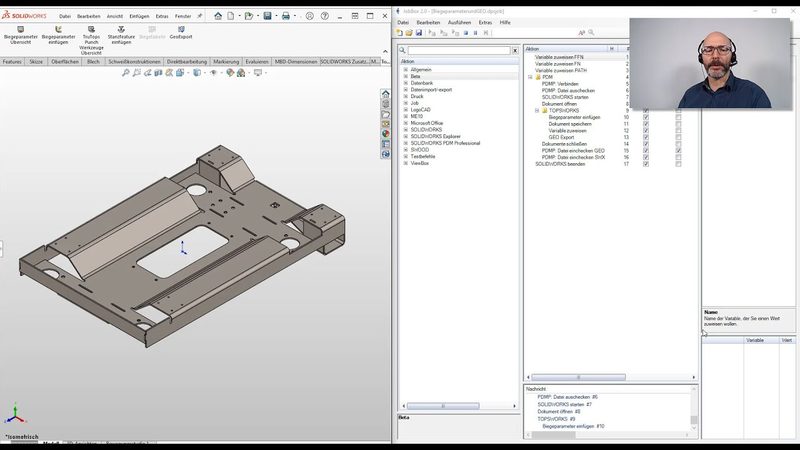
Complete integration in SOLIDWORKS
Direct access to the TruTops databases
Technology data integrated in the design process
Export and import of GEO-files
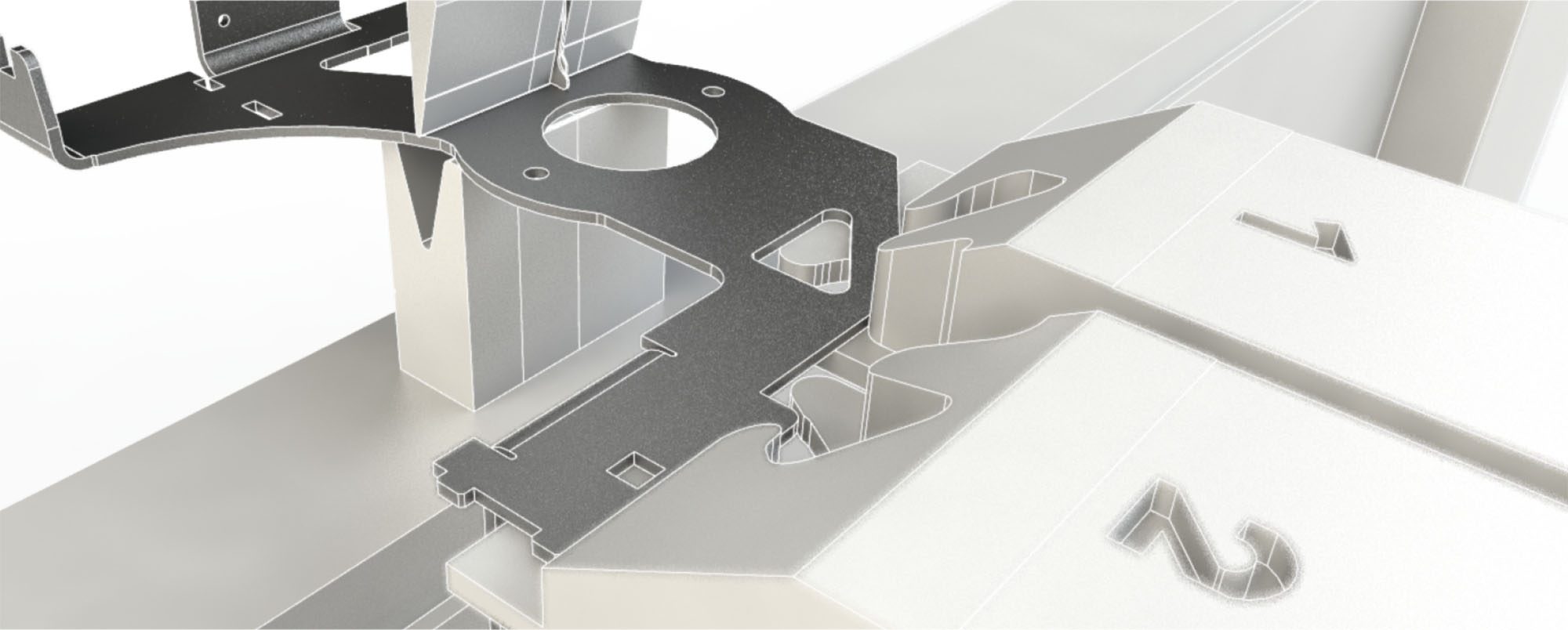
3D Geometry synchronized with manufactured part
TopsWorks - efficiency tool for the entire process chain of sheet metal
Benefits at a glance
The product is developed in close cooperation with the company TRUMPF, one of the leading machine tool manufacturer for sheet metal fabrication, and is used by TRUMPF in their own design.
- With TopsWorks you can achieve a high processing quality with the possibility to analyze, process and correct a 3D construction on behalf of parameters like e.g. material, thickness, processing tools etc.
- TopsWorks makes the access to empirical data of the TruTops database more flexible, data that is then available to all the processing team.
- TopsWorks reduces deficient products in production by taking into consideration a “virtual prototype” using all machine-relevant information.
- React faster and more efficient to customer requests by using the direct transfer of data in form of machine readable GEO-format, without the intermediate steps of unfolding, drawing derivation and DXF-export.
- API interface for automation of recurring processes, which offers you better integration possibilities for the product development process.
- Moreover, the production documentation within the drawing derivation used for the planning of the process steps provides a high level processing reliability.
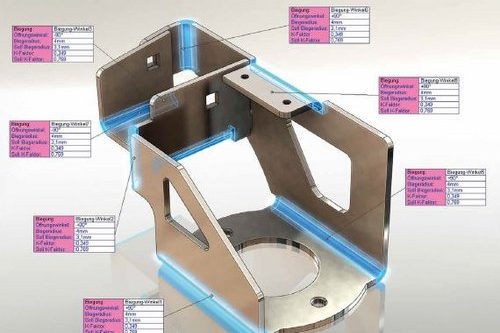
The intuitive user interface with improved controls gets you to your goal faster: you have a quick overview of all sheet metal bodies and you can change all bend parameters and export your components with just a few clicks of the mouse.
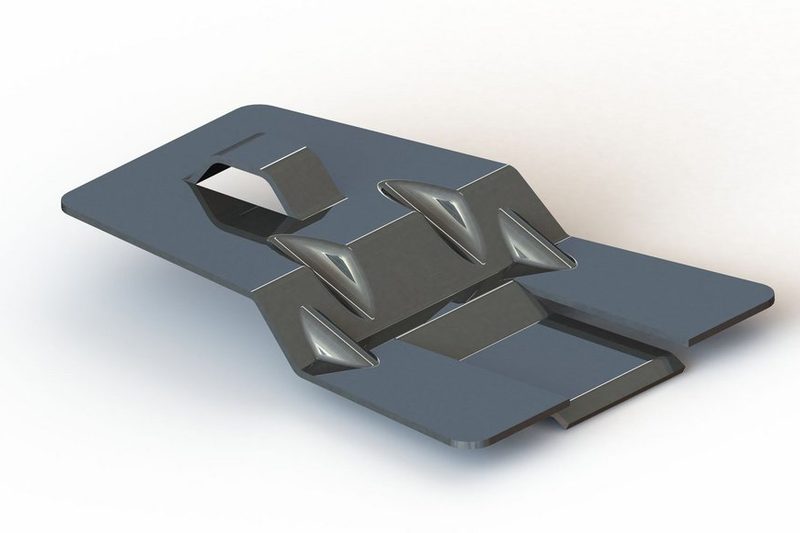
The SOLIDWORKS multi-body sheet metal part functionality allows you to create complex sheet metal structures from one component with several bodies. This method of construction is suitable for rigid connections such as welded assemblies, but is also suitable for the modular structuring of your components. TopsWorks supports the SOLIDWORKS multi-body sheet metal part functionality. In TopsWorks, multi-body sheet metal parts can be processed and exported in GEO format.
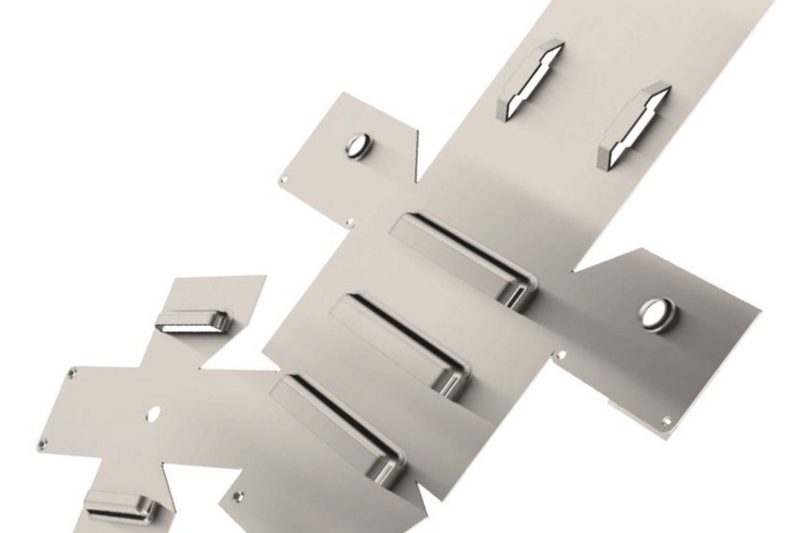
With the test assistant in TopsWorks, you can check all the process parameters of your sheet metal parts. The test assistant provides information about the status of the bends and sheet metal bodies. It warns you about deviating bend parameters as well as missing or changed materials and tools. An important feature for avoiding user errors: GEO Export lets you know if welding studs or insert nuts, for example, have not been inserted correctly.
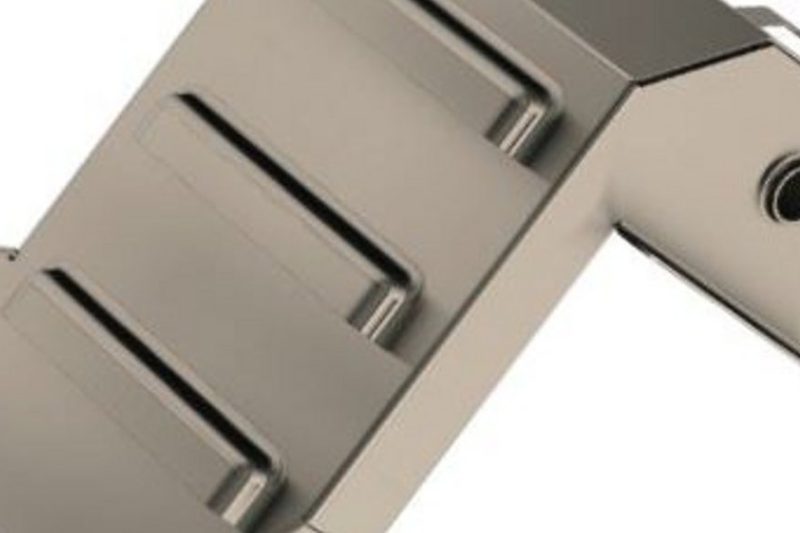
With TopsWorks, you can be sure that your preferred tools are also updated in real time each time the process parameters are changed. TopsWorks also lets you know via a graphic about missing materials or tools. In addition, materials can also be assigned to parts where no preferred tools have been defined. In this case, you have the option of entering a user-defined value or to calculate the bend allowance according to DIN 6935.
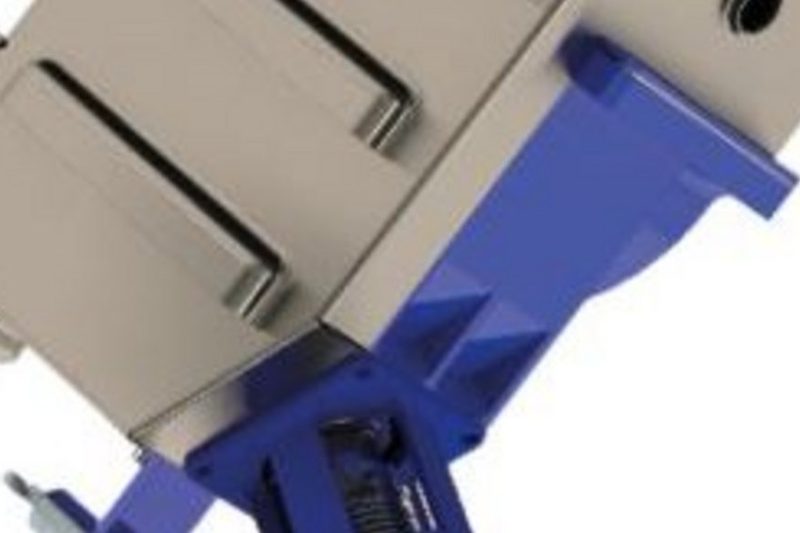
Konstruktion und Fertigung perfekt aufeinander abgestimmt
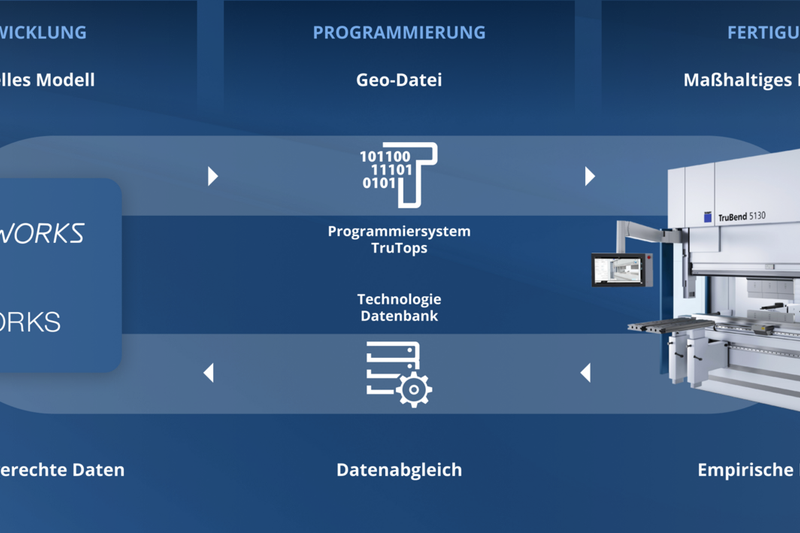
TopsWorks and SOLIDWORKS
TopsWorks coordinates 3D design and production in the sheet metal process chain. The basis of the comprehensive approach to TopsWorks solutions lies in the complete integration into SOLIDWORKS. That means that the user is able to work with TopsWorks in his familiar working environment. On top of everything the handling of TopsWorks is easy to become accustomed to, so that after only a short period of vocational adjustment the full power spectrum of TopsWorks is understood and can be used for the process of manufacturing sheet metal parts.
The system SOLIDWORKS / TopsWorks compares the engineering data of a sheet metal part immediately to all relevant production data, so that a synchronization of the geometry of the SolidWorks sheet metal model and the produced sheet metal takes place.
TopsWorks and TruTops
TopsWorks was developed for the user, who designs his own sheet metal parts in SOLIDWORKS and then produces on TRUMPF machines. The “visual prototype“, generated with TopsWorks-data, that considers all equipment relevant information, characterizes TopsWorks as the system that provides verifiable facts for the production of sheet metal parts.
Since TopsWorks directly accesses the database of the TruTops production system TruTops Punch and TruTops Bend, engineering and production use a uniform data base. All production-relevant data is already considered in the first steps of engineering. That means fewer rejects and fewer samples, but also shorter cycle times, higher flexibility and paperless data transfer.
Your added value with TopsWorks
Learn how to implement TopsWorks through our web training. This training is online and dont take up much of your time, you dont even have to leave your desk. The number of training participants is not limited.